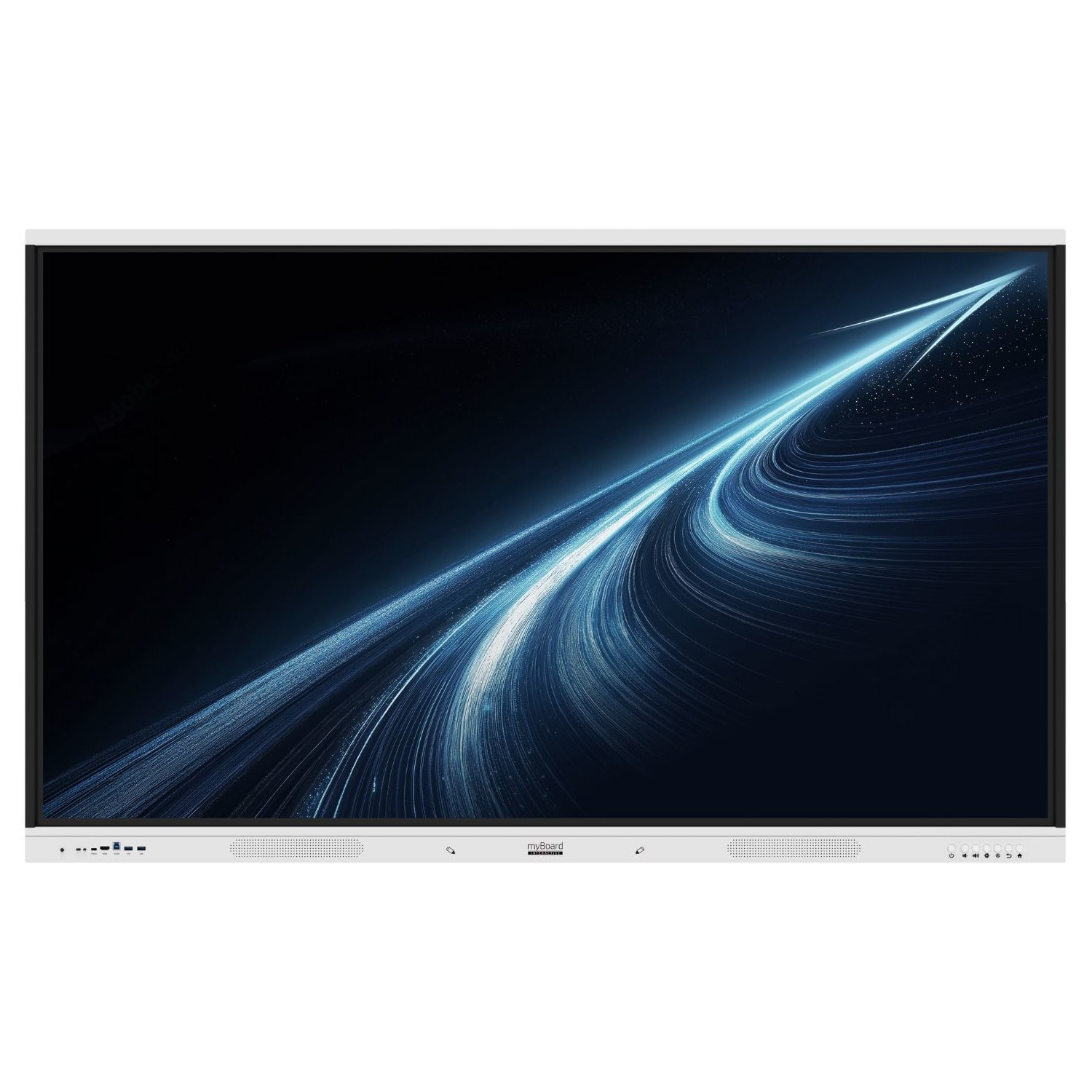
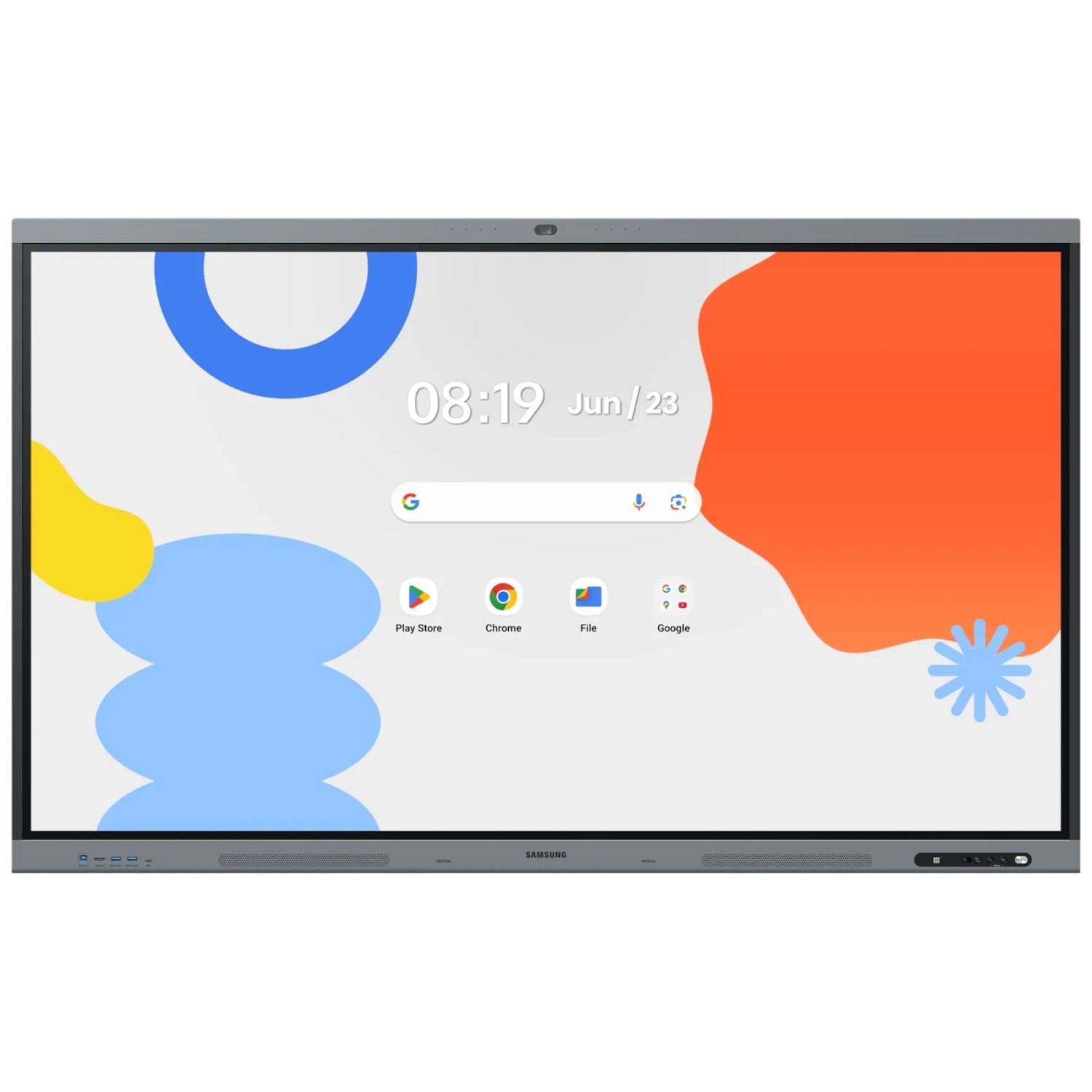
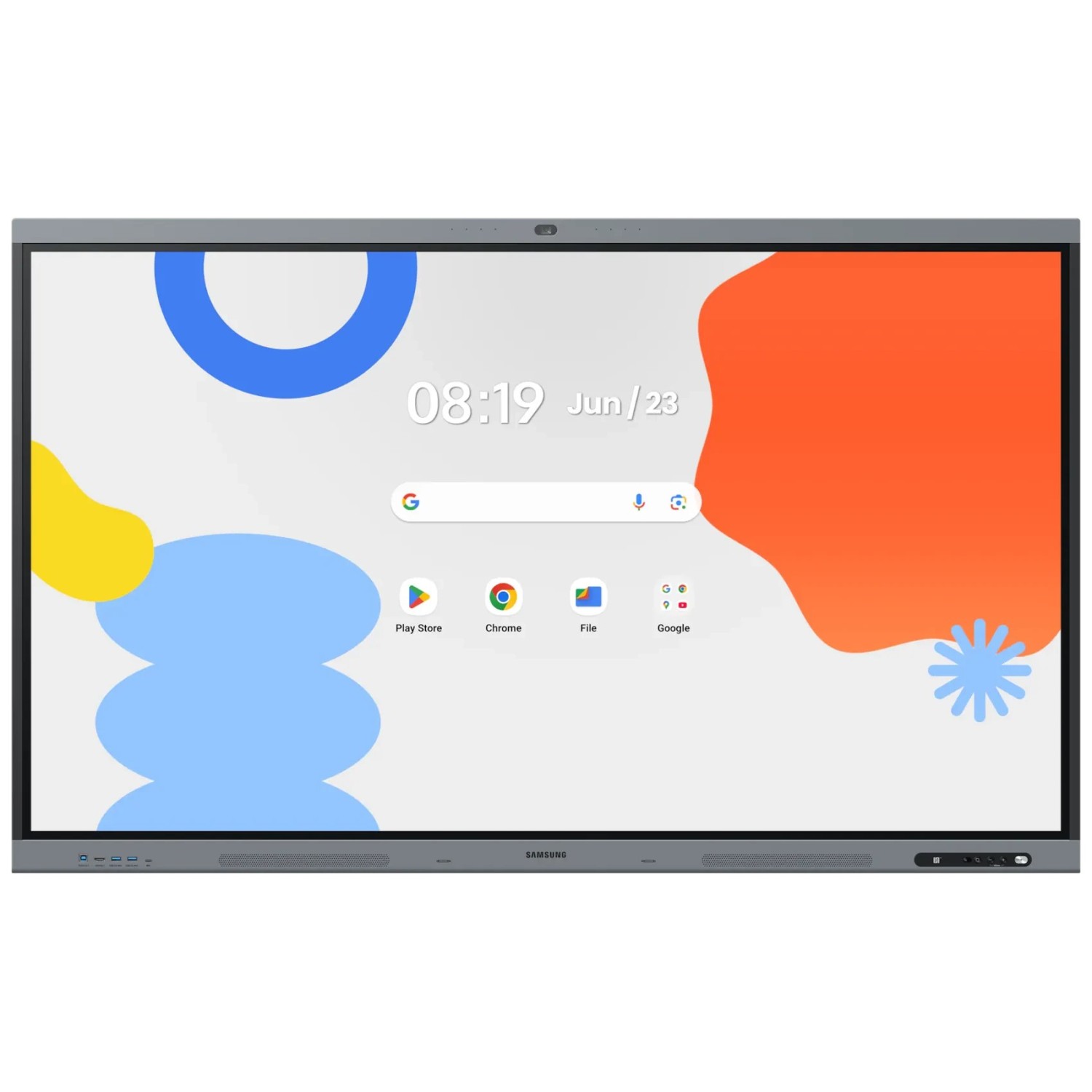
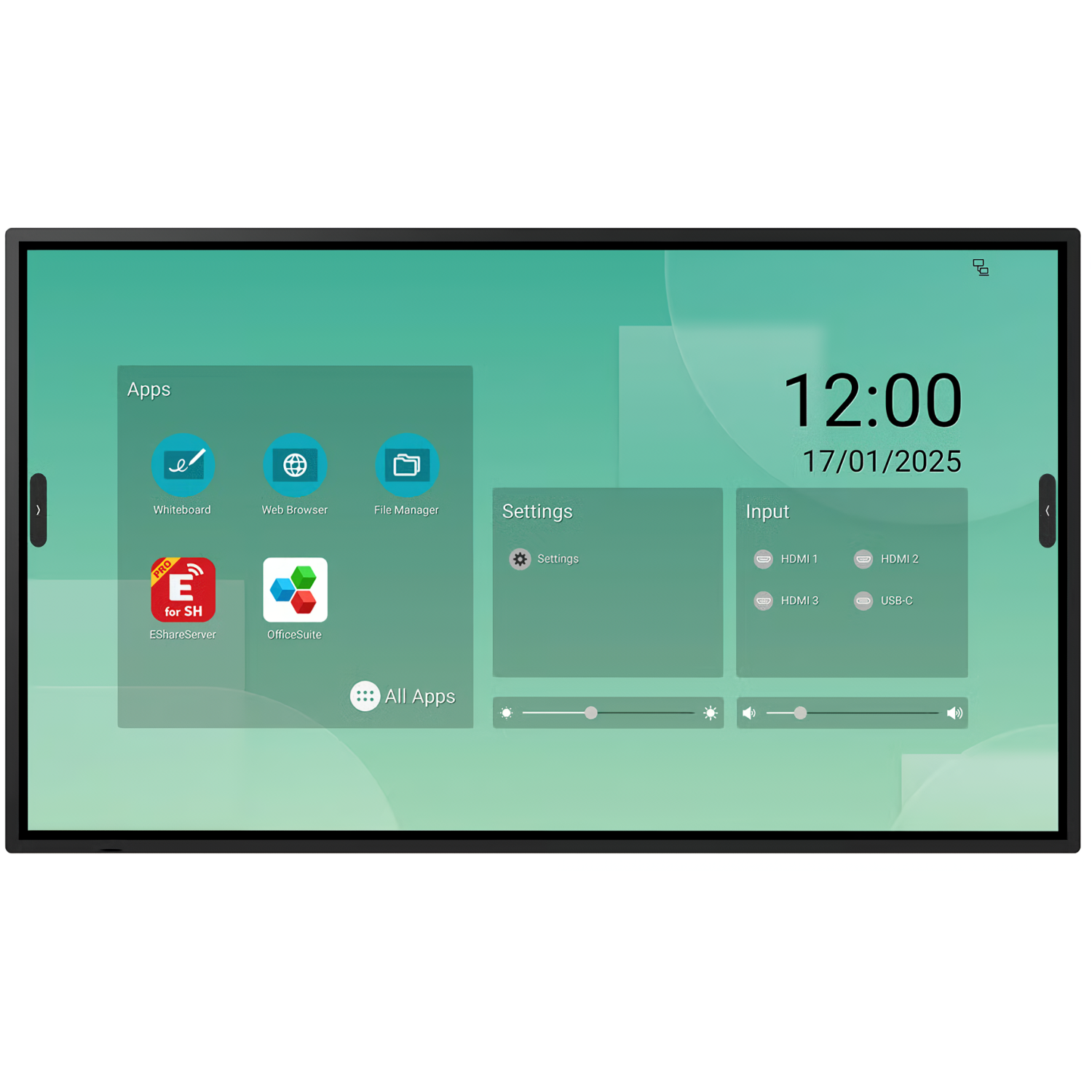
Google EDLA certified interactive displays
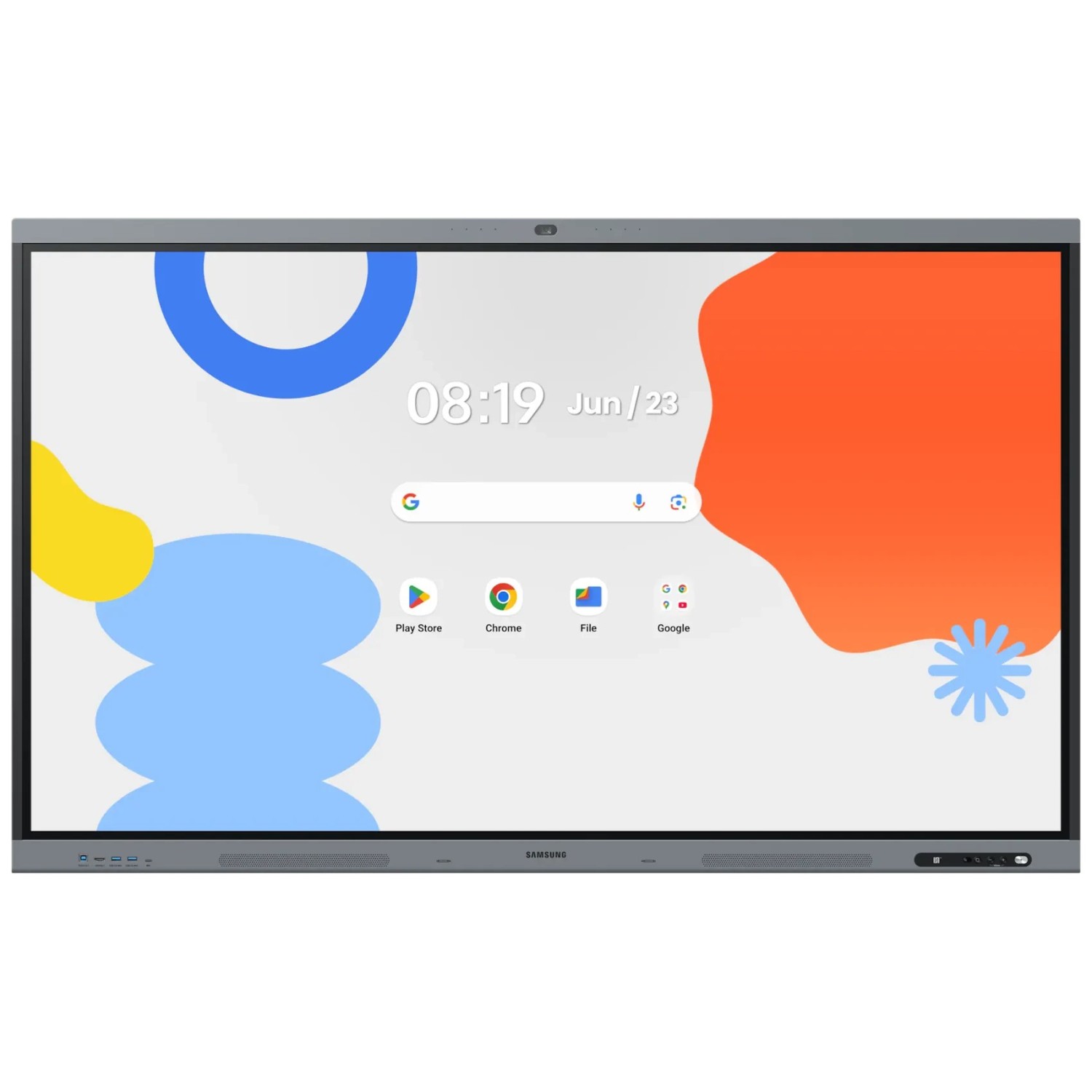
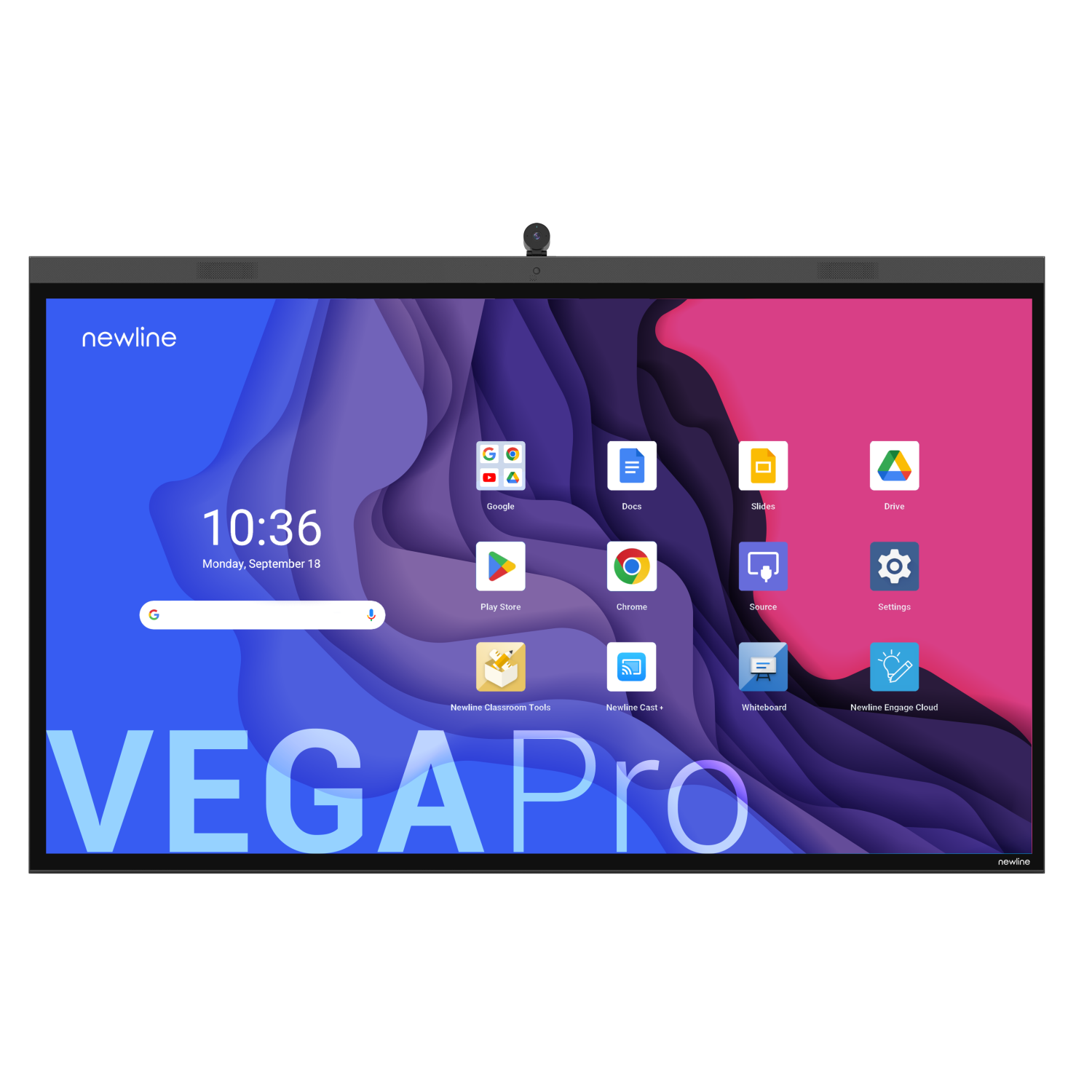
Google EDLA certification means the display comes with the official Google Play Store and Google services – Classroom, Drive, Docs and Meet. Teachers sign in with their own account and work on their materials straight away, without a computer connected to the display. The list includes EDLA models and models with Android 13 or later.
ViewSonic IFP7551 75"
Avtek TS 8.1 Mate G 86, Google EDLA
Innex EU75 75"
Innex EU65 65"
ViewSonic IFP6551 65"
Innex EU86 86"
ViewSonic IFP7551 86"
ViewSonic ViewBoard IFP7535 75"
Avtek TS 8 Lite G 98
ViewSonic ViewBoard IFP6535 65"
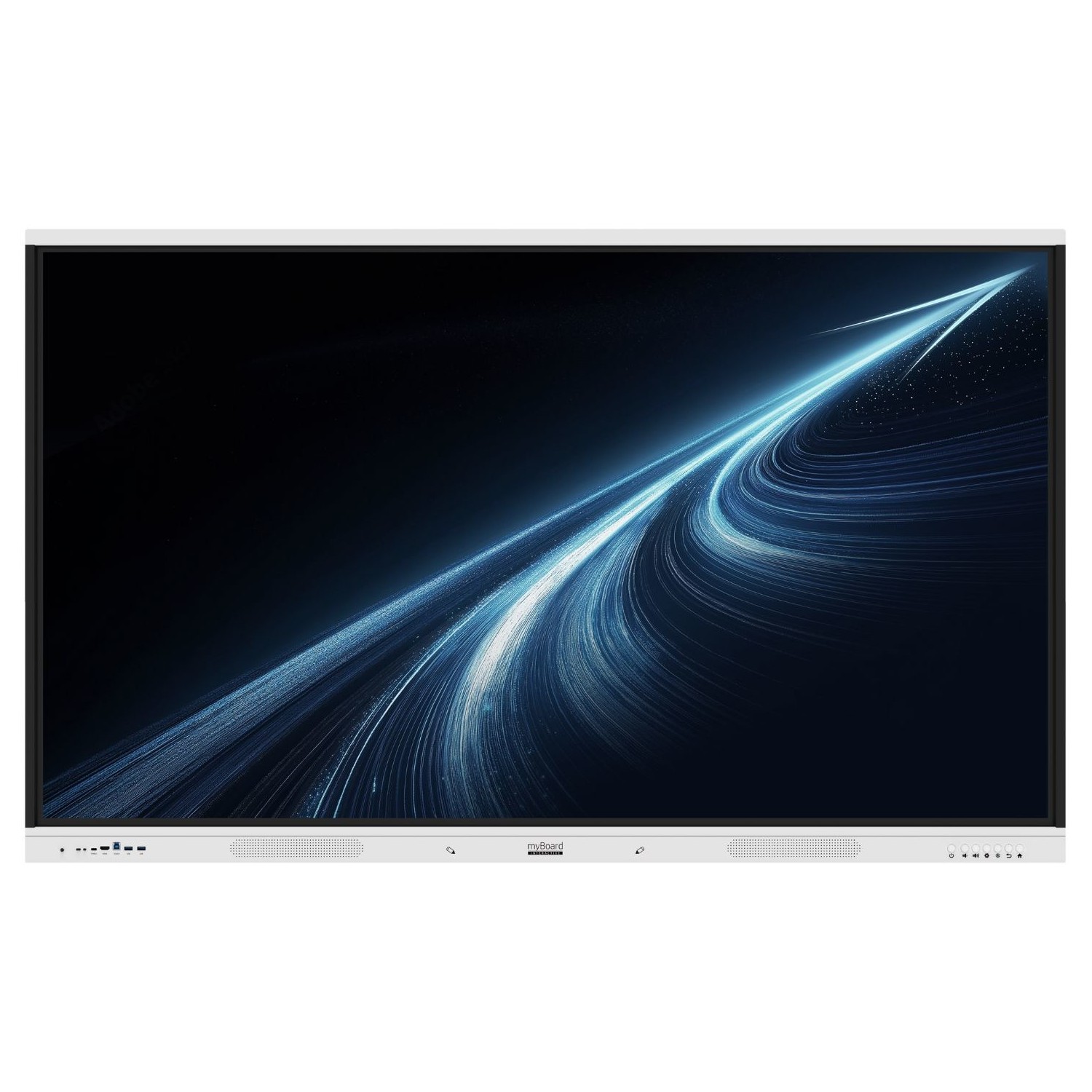
myBoard Titan 98"
ViewSonic ViewBoard IFP8635 86"
Samsung WA65FX-P 65"
Samsung WA75FX-P 75"
Sharp LM431 43"
ViewSonic IFP9851 98"
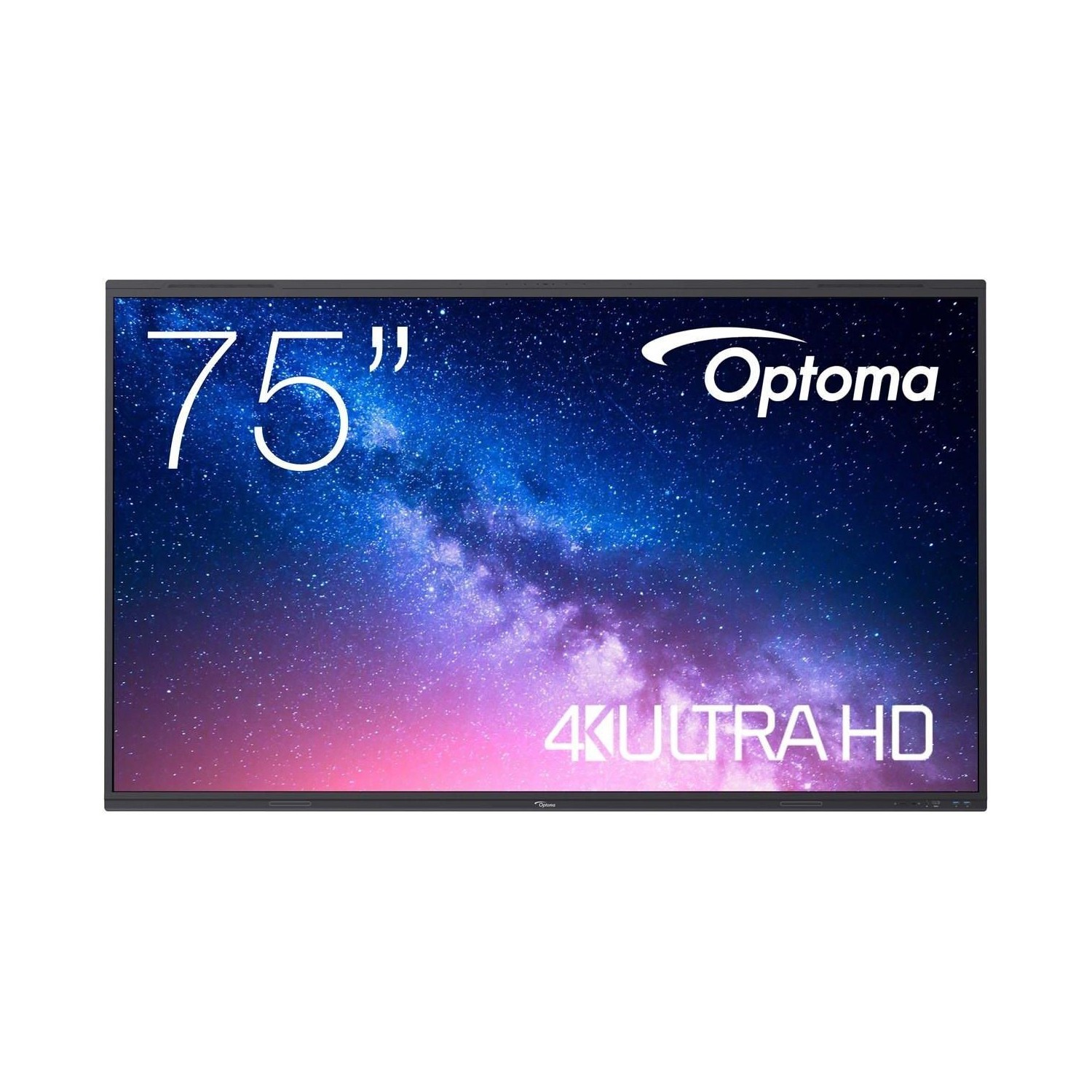
Optoma 3753RK 75"
myBoard White Arrow 98
myBoard Titan 75"
Optoma 3653RK 65"
myBoard Titan 65"
Samsung WA85FX-P 86"
myBoard PANDA 2.0 75 UHD 4K with Android 14.0
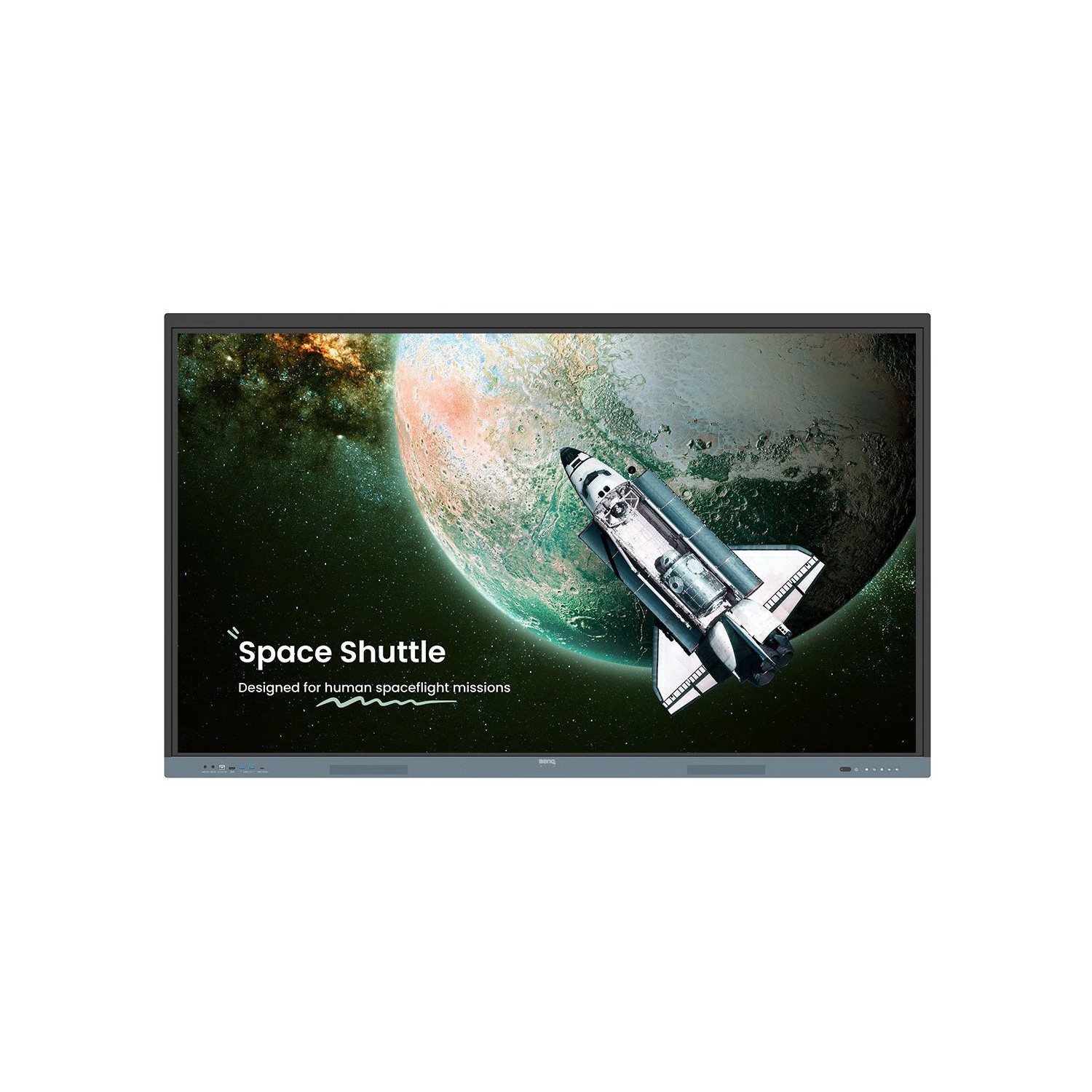
BenQ RE9804FV 98"
myBoard Titan 86"
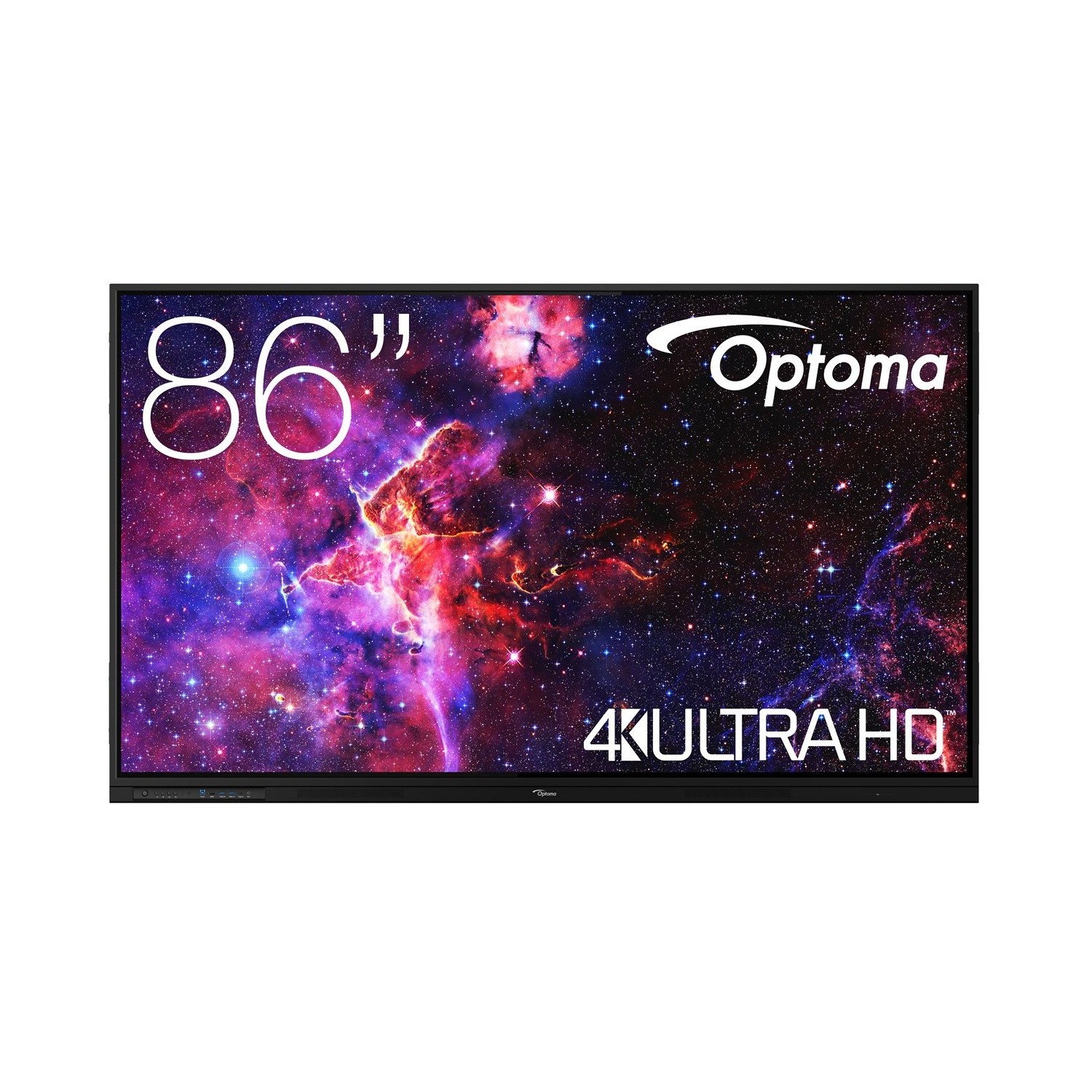
Optoma 3863RK 86"
Sharp LM551 55"
myBoard White Arrow 75
myBoard White Arrow 65
Newline TT-5524Z 55"
BenQ RE7504A 75"
BenQ RE6504A 65"
myBoard White Arrow 86
Newline TT-7524Z 75"
BenQ RE8604A 86"
Sharp LB753-WIFI 75"
Newline TT-6524Z 65"
BenQ RP7505 Board PRO 75"
Sharp LB653-WIFI 65"
ViewSonic ViewBoard IFP110 110"
Sharp LB863-WIFI 86"
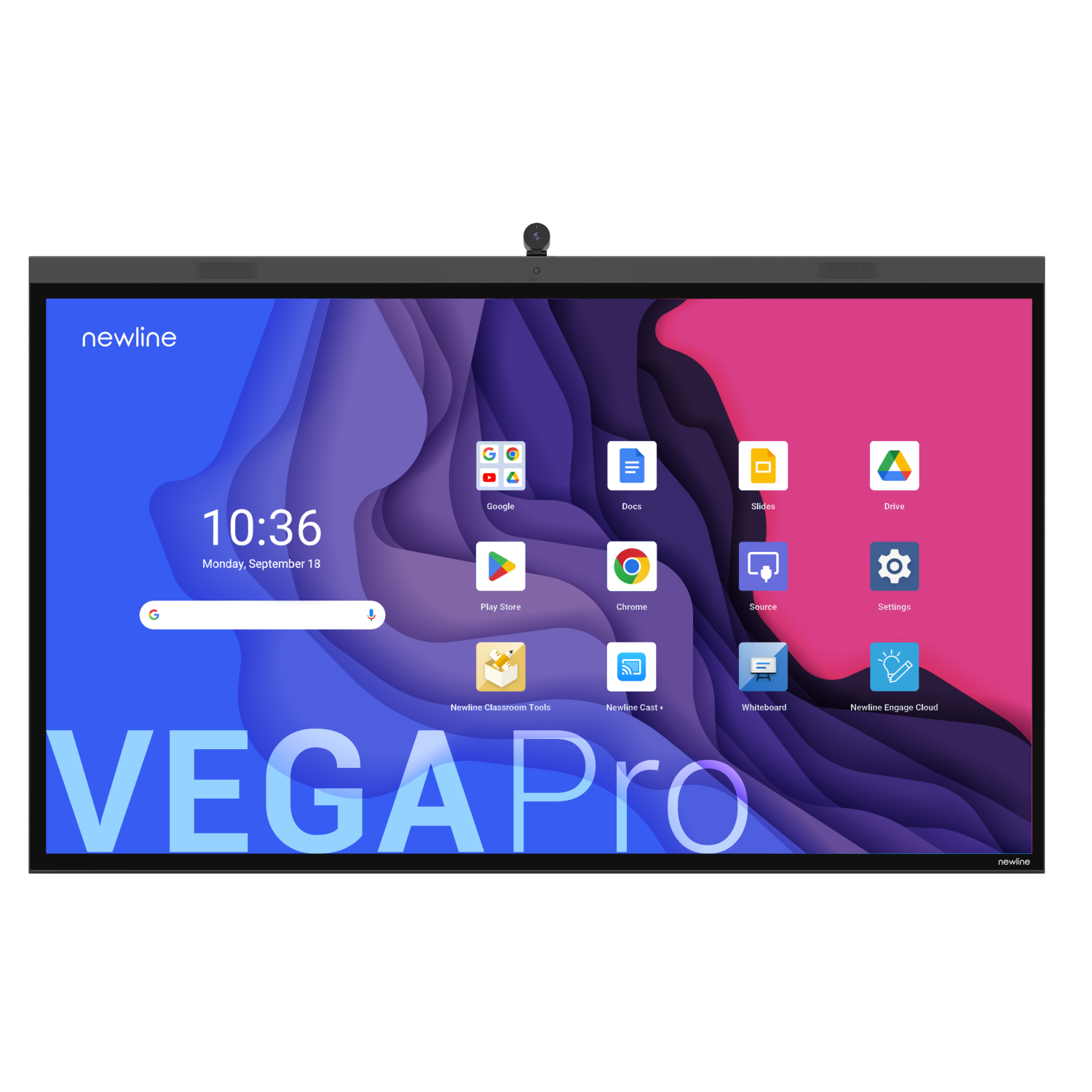
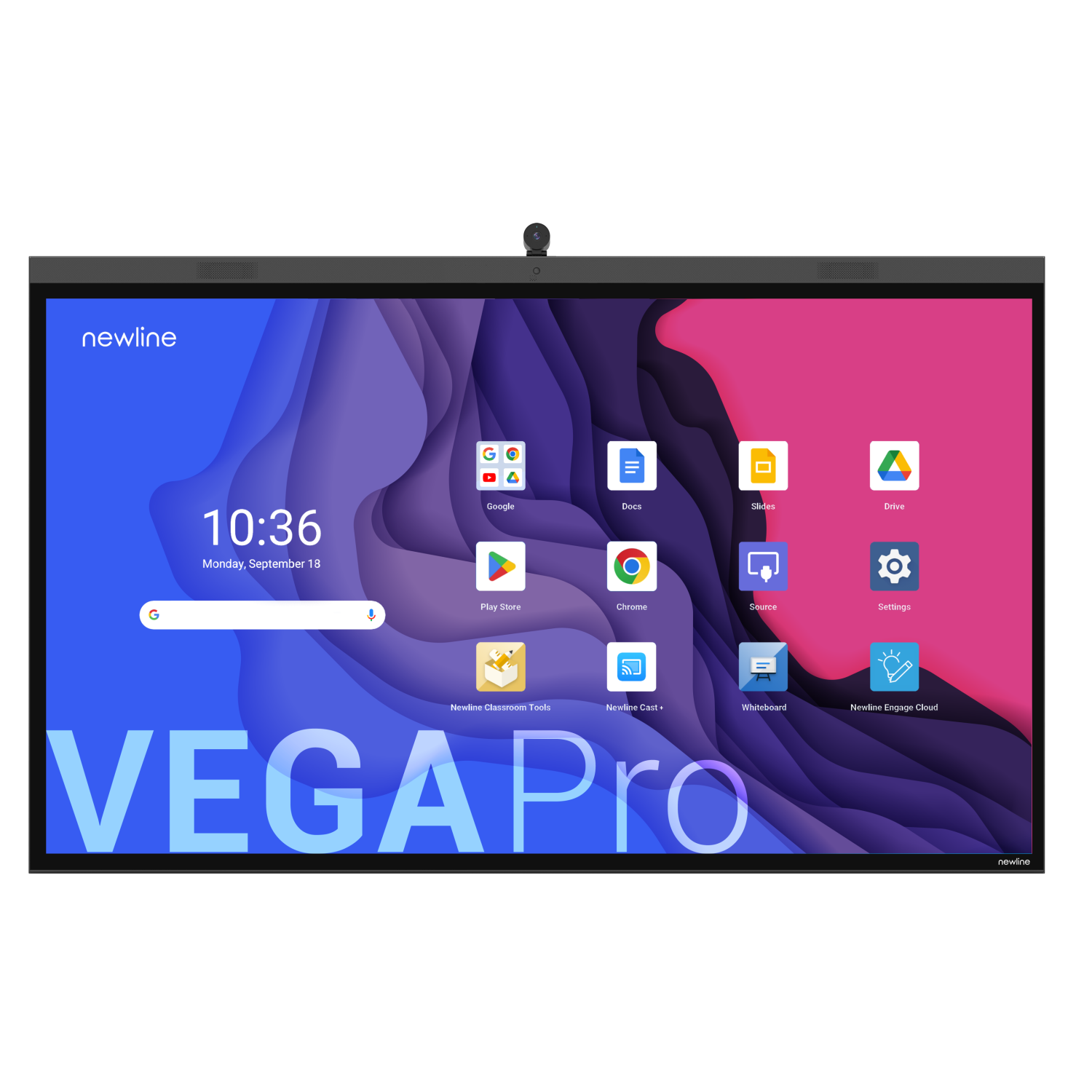
Newline VEGA PRO TT-8624Z 86"
Google EDLA certified interactive displays – FAQ
Does an EDLA display need a computer?
No. Google apps run directly on the display. An OPS computer is only useful for Windows software.
Choose a display and buy online.
Schools pay the net price (0% VAT); public institutions can pay by bank transfer on terms. Questions before you buy? Our education team (English spoken): +48 22 395 60 66.